

Graffiti Sticker XL
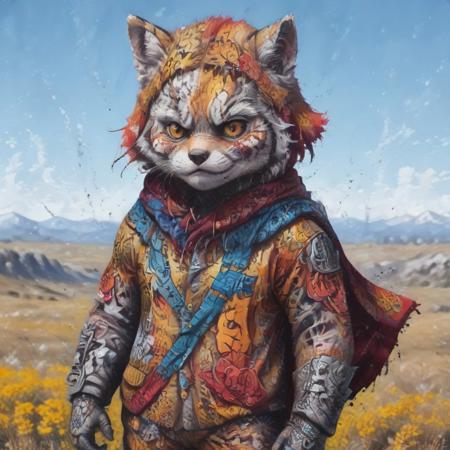
- Prompt

- Prompt

- Prompt
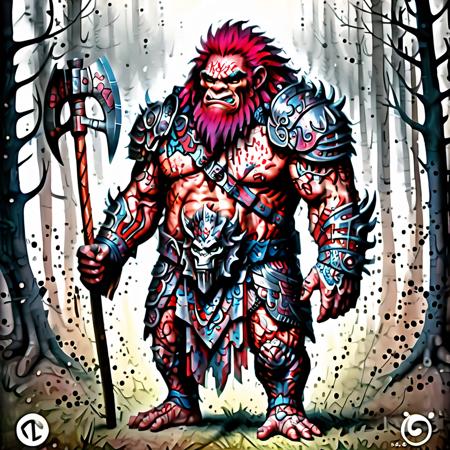
- Prompt

- Prompt
Model description
whats up yall, here is an updated version of my graffitti sticker
Download model
Weights for this model are available in Safetensors format.
Download them in the Files & versions tab.
Use it with the 🧨 diffusers library
from diffusers import AutoPipelineForText2Image
import torch

pipeline = AutoPipelineForText2Image.from_pretrained('stabilityai/stable-diffusion-xl-base-1.0', torch_dtype=torch.float16).to('cuda')
pipeline.load_lora_weights('brushpenbob/graffiti-sticker-xl', weight_name='Graffiti_Sticker_XL.safetensors')
image = pipeline('Your custom prompt').images[0]
For more details, including weighting, merging and fusing LoRAs, check the documentation on loading LoRAs in diffusers
- Downloads last month
- 7
Model tree for brushpenbob/graffiti-sticker-xl
Base model
stabilityai/stable-diffusion-xl-base-1.0