metadata
datasets:
  - GreeneryScenery/SheepsNet
pipeline_tag: image-to-image
tags:
  - art
  - ControlNet
V2
3 epochs 🤗.
Much room for improvement.

Examples:
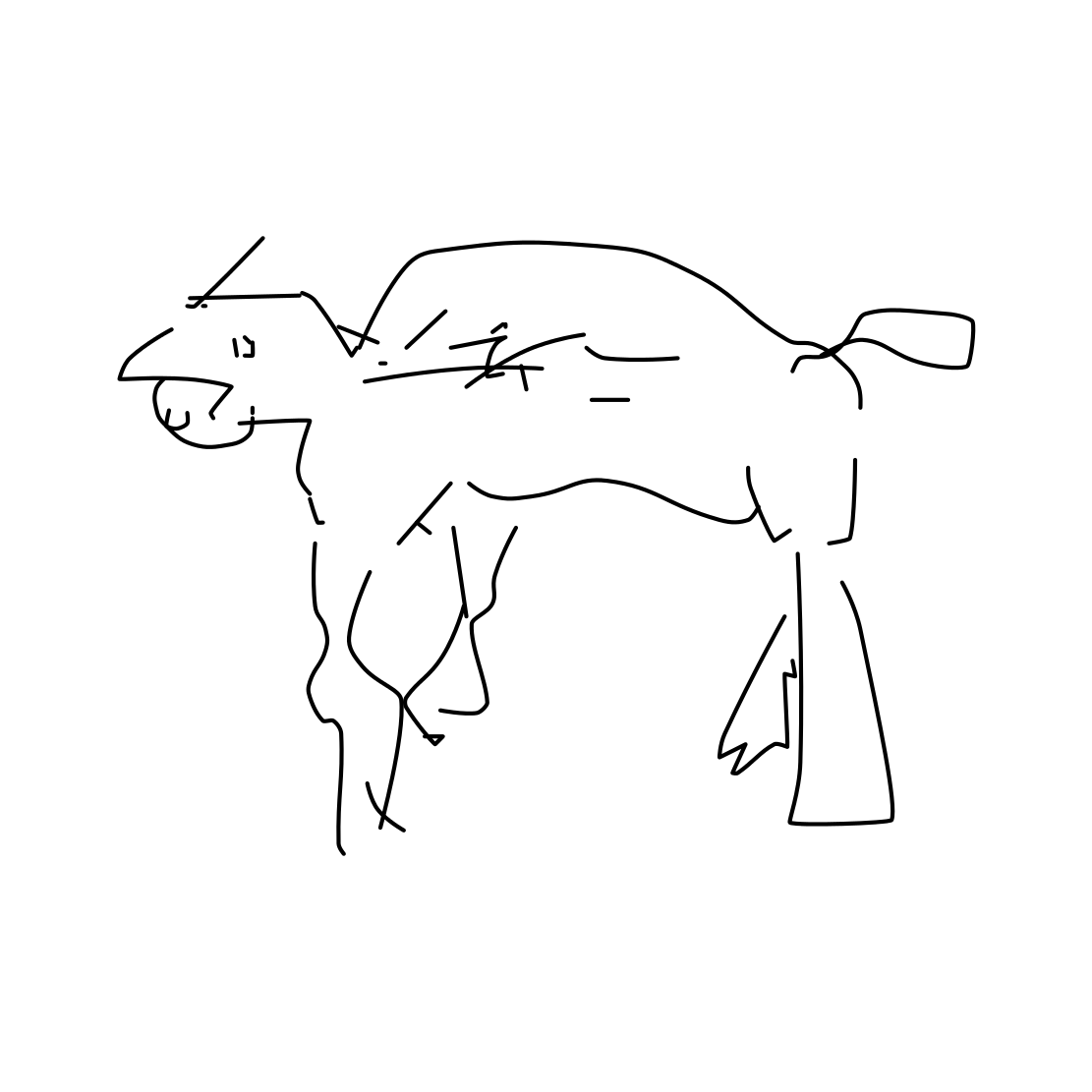
Conditional image:
Images:
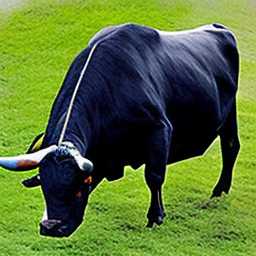
A bull:
 A chicken:
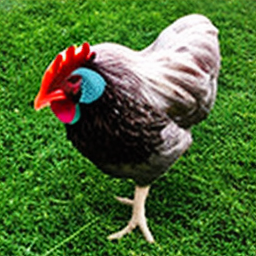 A cow with background removed, 8k:
 A donkey:
 A goat:
 A realistic horse on a field with background removed, 8k:
 A realistic horse on ice with background removed, 8k:
 A realistic horse with background removed, 8k:
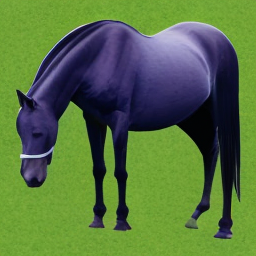 A realistic sheep on ice with background removed, 8k:
 A sheep facing left:
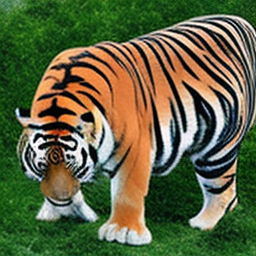
 A tiger: